Why aren't Google My Maps changes updating when others edit? How to fix it
Updated July 12, 2026
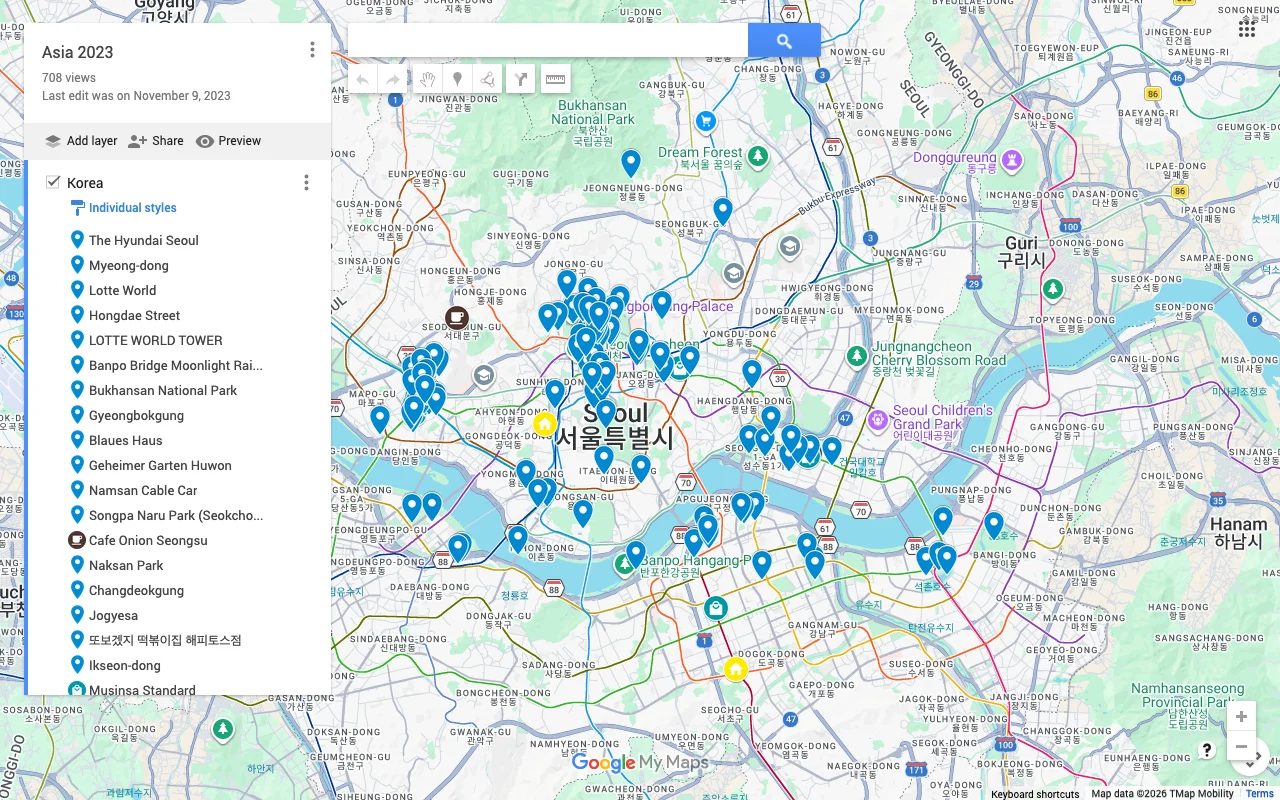
You shared a Google My Maps map with the people you are traveling with, someone said they added a few places, and you are staring at your screen wondering where they went. The pins are not there. You wait. You still do not see them. Nothing is broken, exactly, and you have not done anything wrong. My Maps just does not work the way you assumed it would.
The assumption is reasonable: Google Docs updates as people type, so a Google map should too. But My Maps is a different kind of tool underneath, and it does not push other people’s edits to your screen as they happen. This guide explains why that is, walks through how to actually pull in the latest version, and covers the deeper reason it keeps biting groups.
Why My Maps changes do not show up automatically
The short version is that My Maps is collaborative but not live. Several people can be editors on the same custom map, but the map you have open is a snapshot from the moment you loaded the page. When someone else adds a pin, your open tab does not know about it. It is closer to a shared file sitting in Google Drive than to a live document with everyone’s cursors moving around at once.
That single fact is behind almost every “my My Maps is not updating” question. There is no real-time sync layer quietly merging everyone’s changes in the background. Each person loads the map, works from the state they loaded, and saves. To see what anyone else has done since you opened the page, you have to reload and fetch the latest version yourself. Google does not do it for you, and there is no setting that turns it on.
How to actually see the latest changes
Most of the time the fix is simple, and it is the one thing My Maps never prompts you to do:
- Reload the page. Refresh the browser tab (Ctrl+R on Windows, Cmd+R on a Mac), or close the map and open it again. My Maps only fetches the current state on load, so a reload is what pulls in everyone else’s edits. This alone resolves the large majority of cases.
- Confirm you opened the shared map, not a copy. It is easy to end up looking at your own duplicate rather than the map everyone else is editing. Open the exact link the owner shared, and check that the map title matches.
- Check that the other person actually saved. My Maps saves on its own, but if their connection dropped or they closed the tab too quickly, the change may not have gone through. Ask them to reopen the map and confirm their pin is there on their end first.
- Make sure everyone has Editor access. Someone shared as a Viewer can look but not add, so their edits never existed to begin with. In the share settings, confirm each contributor is set to Editor rather than Viewer.
- Give it a moment, then reload again. Occasionally a save takes a few seconds to propagate. If one reload does not show the change, wait a little and reload once more.
- Do not all edit at once. Since there is no live merge, agree on who is adding places when, and have each person reload before they start so they are building on the latest version instead of an old one.
Work through that list and the missing pins almost always turn up. What you cannot do is make My Maps show changes without a reload, because that kind of live updating is simply not a feature of the product.
One more catch: editing is desktop only
Even once the refresh habit is second nature, a second limit makes My Maps awkward for a trip. Editing only works in a desktop browser. On a phone, the My Maps app and the mobile site let you view a map but not change it, and Google retired the dedicated mobile editing app years ago. So the person who wants to drop a pin from the sidewalk cannot, and the map only moves forward when someone sits at a laptop and remembers to reload first. For a plan that six people are meant to build together over a week, that is a lot of friction. There is more on the phone limitation here.
A map that actually updates live
If the reloading and the desktop-only editing are wearing thin, the answer is a tool built to sync in real time. Places shows every change the instant it happens: when a friend adds a cafe, it appears on your screen a second later, with no refresh and no wondering whether you are looking at the current version. There is only ever one map, and it is always the latest one.
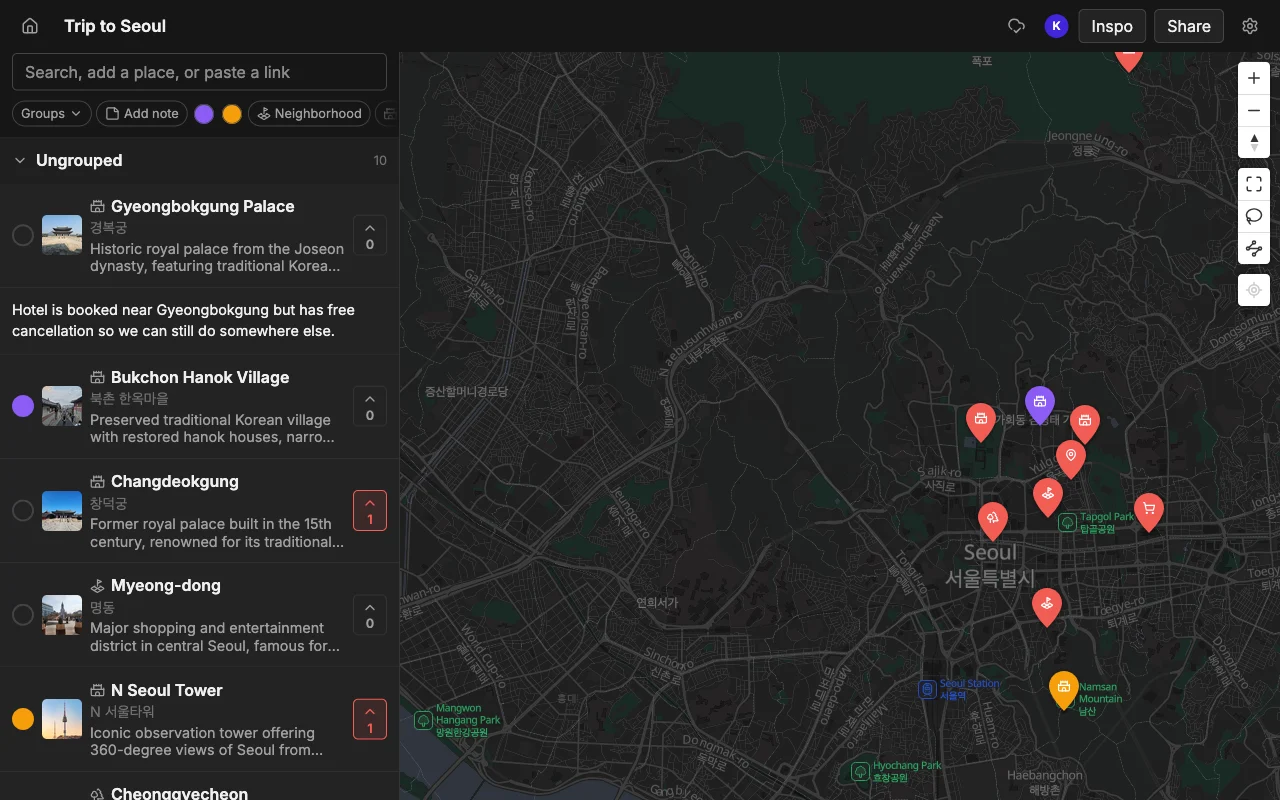
It also removes the two things that make My Maps clunky for a group. It runs on the web, iPhone, and Android, so the person out walking can add a spot from their phone and everyone sees it right away, and because edits merge live, two people adding places at the same time do not overwrite each other. On top of that, you can vote on places to decide together, leave a note and a color on each pin, and share a read-only link anyone can open without an account. You can paste a TikTok, a Reel, or an article to add places automatically, and export the finished map to KML so anyone who prefers Google Maps can open the pins there. See how the two compare in Places vs Google Maps lists.
Frequently asked questions
- Does Google My Maps update in real time?
- No. My Maps is collaborative but not live, so other people's changes do not appear on your screen until you reload the page. It behaves more like a shared file than a live document.
- Why can't I see my friend's pins?
- Usually one of four things: you need to reload the page, you are looking at a copy instead of the shared map, they did not finish saving, or they were added as a Viewer rather than an Editor. Reload first, then check the other three.
- Can two people edit a My Maps map at the same time?
- They can, but there is no live merge, so simultaneous edits can overwrite each other with no warning. Agree on who edits when, and reload before you start so you are working from the latest version.
- Can I edit My Maps on my phone?
- No, editing is desktop only. The mobile app and site are view-only, which is a real problem since the best places tend to turn up while you are out. See can you edit Google My Maps on your phone.
- Is there a map that updates live for everyone?
- Yes. Places syncs in real time across the web, iPhone, and Android, so every edit appears for everyone instantly, with no refreshing and no overwriting.